Skip to content
curbreel
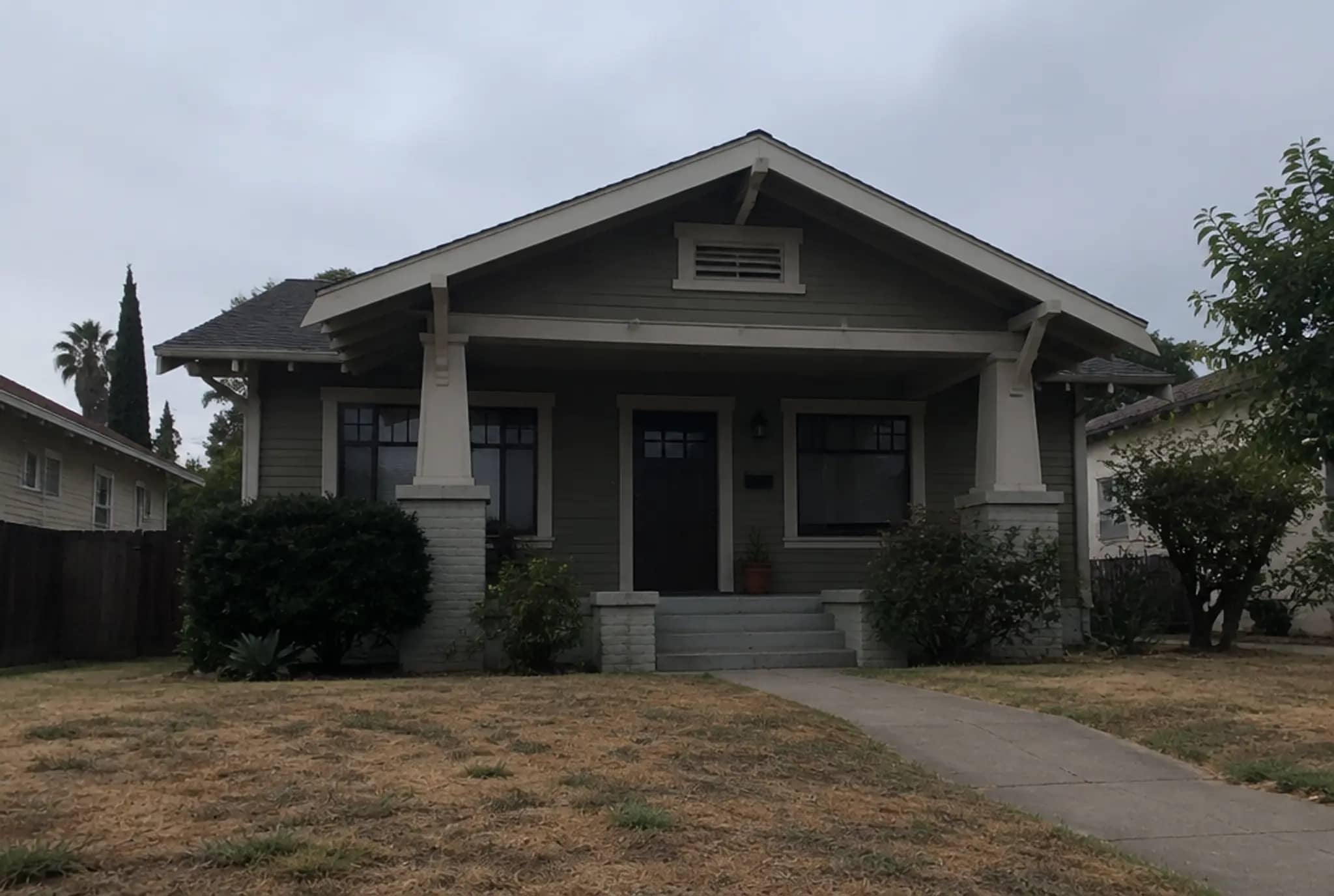
Example exterior before editing: flat gray sky and a dry, brown lawn
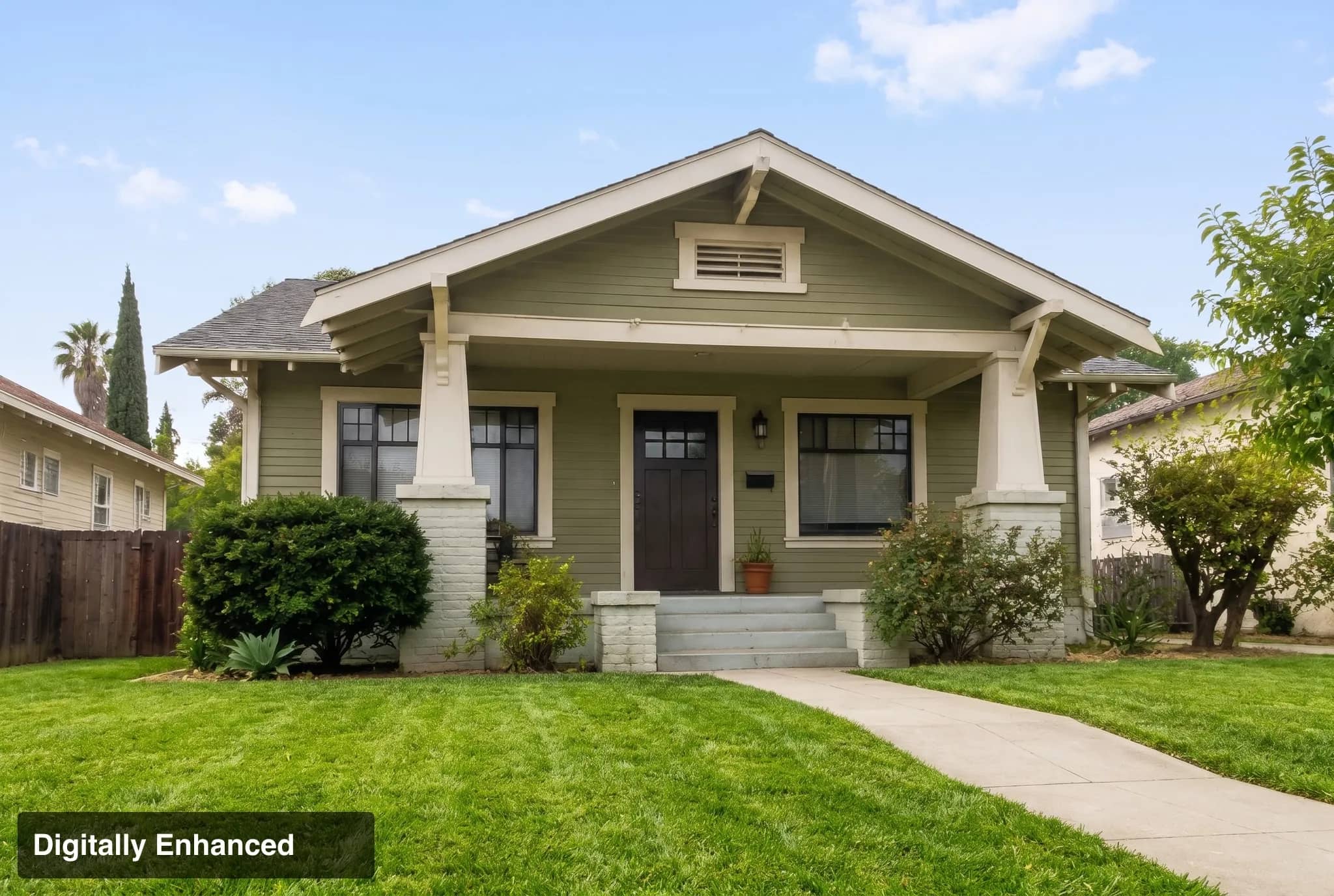
The same exterior after editing: blue sky and a green lawn, labeled Digitally Enhanced
After · labeled
Before

Your listing, shot like a movie.

Upload phone photos. Get enhanced photos, virtual staging, a cinematic reel and MLS-ready copy — in about 10 minutes.

One free watermarked preview on your own listing (up to 10 photos). No card.

Example scenes are AI-generated for illustration. Edits made with Curbreel's pipeline.

The work

Same rooms. Better light. Drag to compare.

Conservative edits on the photos you already took, designed to leave walls, windows, floors and stairs untouched. Always review before you publish.

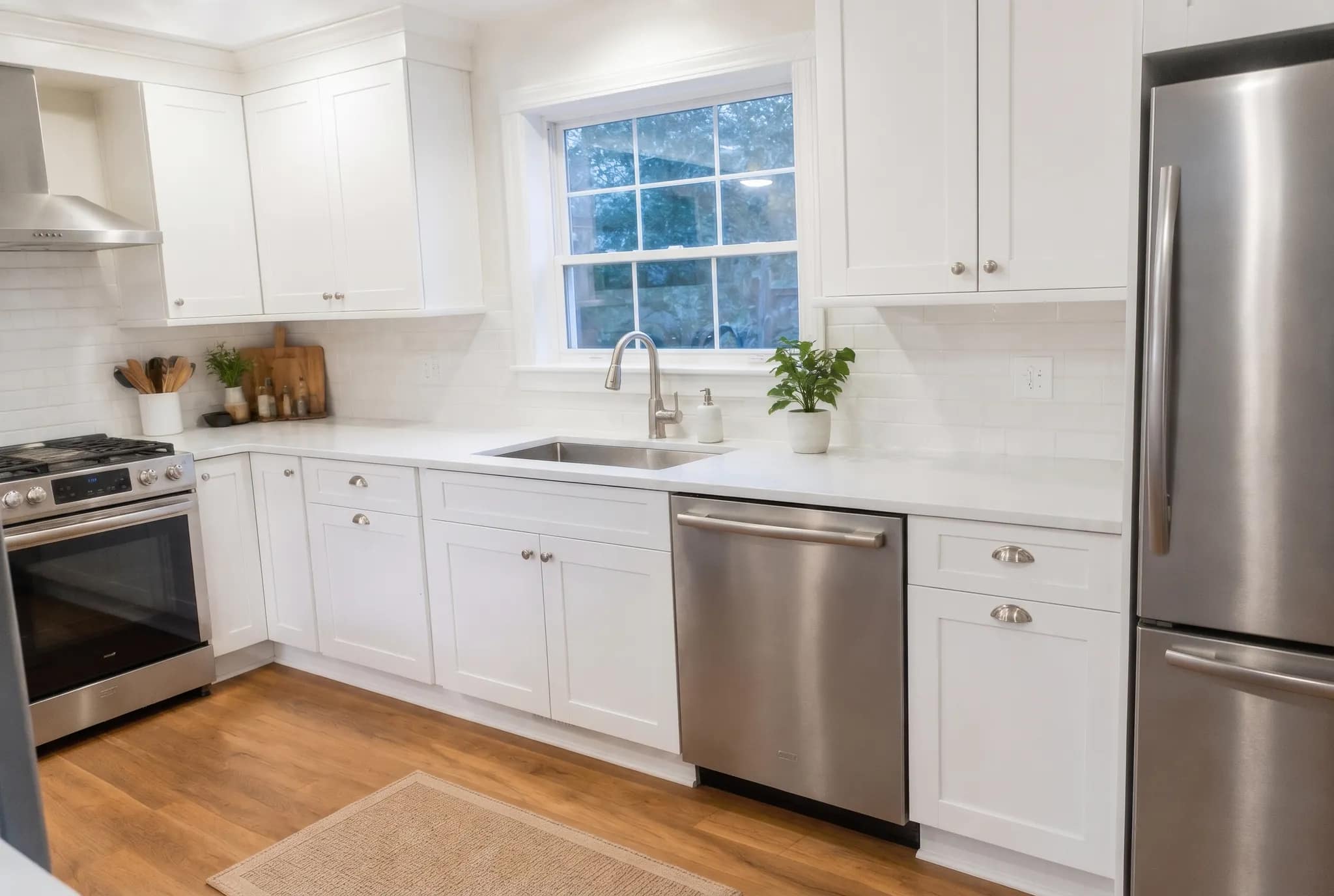
Kitchen example, after editing
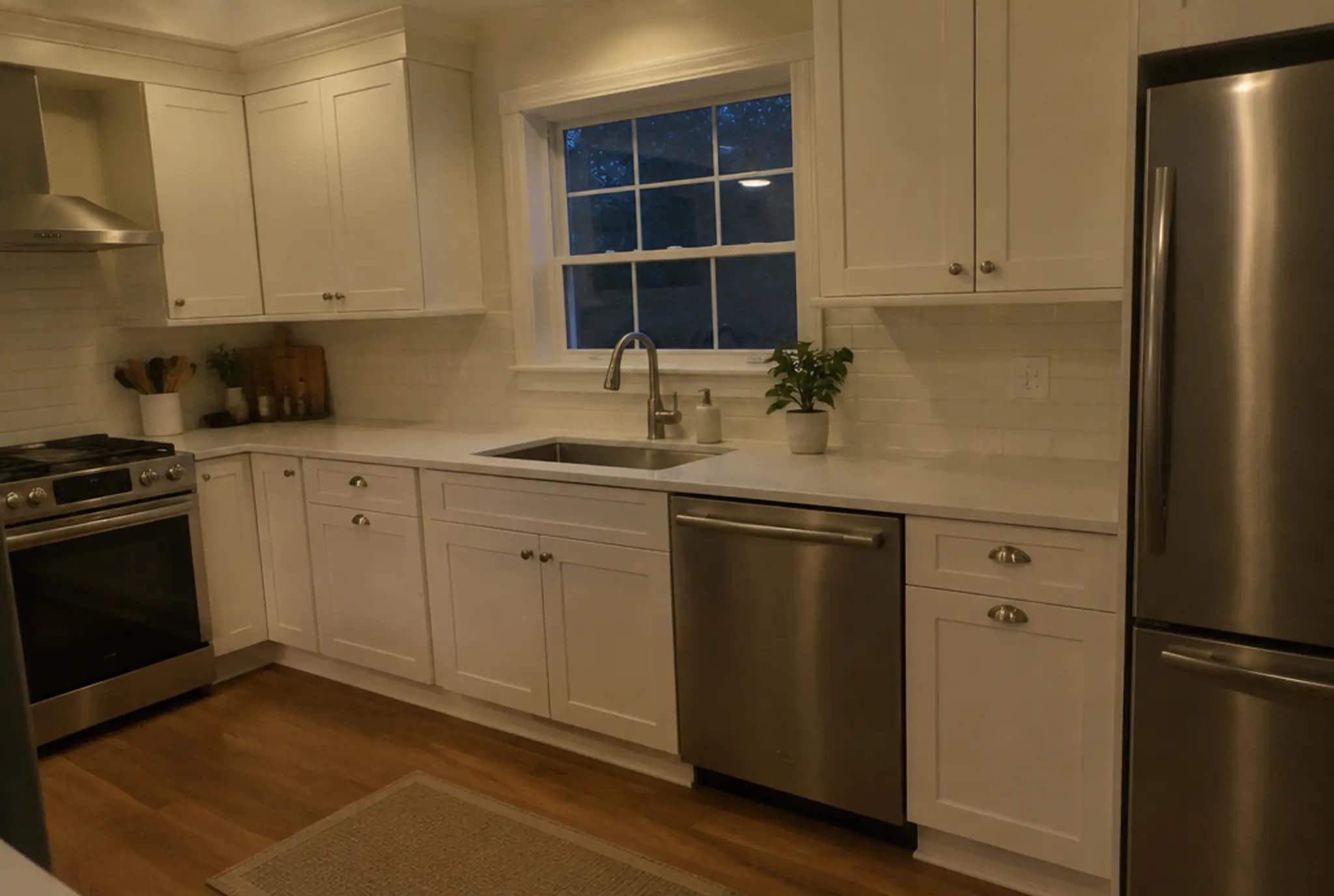
Kitchen example, before editing
BeforeAfter

Exposure, white balance and verticals corrected. Edits like these need no label.

Example scenes are AI-generated for illustration. Edits made with Curbreel's pipeline.

Why it matters

Buyers shop online. Your photos are the showing.

97% of home buyers use the internet in their home search. Your photos, your staging and your video are what they see when they search, so they do the talking.Source: NAR, Home Buyers & Sellers Generational Trends Report, 2021 (opens in a new tab)

These are industry and platform figures, not Curbreel results. What your listing earns depends on the home, the price and your market.

Try it on your listing
Disclosure, built in

Built for California AB 723.

Since January 1, 2026, California’s AB 723 (Business and Professions Code §10140.8) requires a disclosure on digitally altered listing images, plus a link, URL or QR code to the unaltered original. Curbreel helps you do both automatically, on every listing, at no extra cost.

Not legal advice. Check your MLS rules for anything stricter.

  1. A label on every altered photo

    “Virtually Staged” or “Digitally Enhanced”, stamped on the image itself. Exposure, white balance and sharpening edits stay unlabeled.

  2. A public page with the originals

    Each listing gets its own page showing the unaltered photo next to every altered one. No sign-in to view it.

  3. A QR code in your ZIP

    Your download includes a QR code and link to that page, plus a plain-English disclosure file you can attach to the listing.

How it works

About ten minutes on a phone, not a day with a photographer.

  1. From your phone

    Upload

    5 to 40 photos of the listing. JPEG, PNG or HEIC, straight from the camera roll.

  2. ~10 min

    We process

    Photos enhanced, empty rooms staged, a 9:16 reel cut from your best shots, MLS copy and captions written.

  3. One ZIP

    Download & post

    Everything in one download, labeled and ready for the MLS, Instagram, TikTok and your listing page.

Pricing

By the month, or one listing at a time.

One free watermarked preview on your own listing (up to 10 photos). No card.

  • Starter

    A listing or two a month.

    $49/ month

    or $470 a year

    150 credits a month

    • Unused credits roll over: they last 60 days
    • 1080p reels
    • Cancel anytime
  • Pro

    Most popular

    Agents listing every week.

    $99/ month

    or $950 a year

    First month $49 with LAUNCHPRO

    360 credits a month

    • Up to 10 walkthrough video tours a month, MLS copy and captions at no credit cost
    • 4K reels
    • Priority processing
    • Cancel anytime
  • Team

    High-volume agents.

    $249/ month

    or $2,390 a year

    1,050 credits a month

    • Everything in Pro
    • Up to 30 video tours a month at no credit cost
    • The most credits per dollar
    • Cancel anytime

One listing · no subscription

Full Listing

$89one time

See it on your photos first
  • Up to 30 enhanced photos
  • 3 virtually staged rooms
  • 1 cinematic reel
  • 1 walkthrough video tour (16:9)
  • MLS copy and social captions
  • Labels, originals page and QR code

Pay as you go

1 credit = $1 at pay-as-you-go prices. Bigger packs and plans bring it down to $0.24. Credits you buy outright never expire.

How credits work: what each service costs

Credits come with plans and top-ups. Pick only what the listing needs.

Credits per service
ServiceCredits
Enhanced photo1 creditper photo
Virtual staging3 variations to choose from5 creditsper room
Cinematic reel9:16, 15–30 seconds29 creditsper listing
Walkthrough video tour16:9, 20–60 seconds · branded + MLS cuts · no credit cost on Pro (10 a month) and Team (30 a month)49 creditsper listing
MLS copy + captionsNo credit cost on Pro and Team5 creditsper listing
FAQ

Questions agents ask first.

Something else? Write to hello@curbreel.app.

What do I get for a listing?

Enhanced photos sized for the MLS plus the edited files at about 2K, virtually staged versions of empty rooms, a 9:16 cinematic reel, MLS-ready description and social captions, plus the disclosure pack: labels, a public originals page and a QR code. The Full Listing ($89) covers up to 30 photos, 3 staged rooms and 1 reel.

How does the free preview work?

Upload up to 10 photos of your own listing and we make the real thing: every photo enhanced, one empty room virtually staged, a 15-second tour teaser and your MLS description. You see it watermarked, at 800 px. To keep the full-quality files, use credits at your plan's prices or get the Full Listing for that home ($89); nothing is made twice. One free preview per account, no card. If the preview can't be made at all, you get it back.

Do better photos and video really help?

97% of home buyers use the internet in their home search. (NAR, 2021). 89% of home buyers say photos are a very useful feature of real estate websites. (NAR, 2021). 83% of buyers’ agents say staging makes it easier for buyers to visualize a property as their future home. (NAR, 2025). A survey of agents’ opinions. Zillow reports listings with a 3D Home tour get 81% more views and 53% more saves. (Zillow, 2022). Zillow platform data about 3D tours, not video. A correlation, not a promise for your listing. These are industry and platform figures, not Curbreel results, and they say nothing certain about your listing: how it performs depends on the home, the price and your market. What Curbreel does is give you the photos, the staging and the video.

How long does it take?

About 10 minutes for a typical listing from the moment you order. We email you when it is ready, so you can close the tab.

Is it allowed on the MLS? What about disclosure?

Every photo we alter (staging, sky or lawn changes) carries an on-image label, and the unaltered originals sit on a public page linked by a QR code. It is designed to help you meet California AB 723. Exposure, white balance and sharpening fixes are not labeled. Not legal advice: check your MLS rules for anything stricter.

Will you change the house?

Edits and staging are designed to leave walls, windows, floors and stairs untouched, and every result is automatically checked against your original. Staging only furnishes rooms that are empty. Always review before you publish.

Whose photos can I upload?

Only photos you own or have the right to use, such as ones you took yourself or licensed from your photographer. We do not import photos from Zillow, Redfin or other sites.

What if something fails?

If a photo, staging or reel cannot be produced, the credits for that item go back to your balance automatically. You can also regenerate a result you do not like: the first regeneration of each item is free, later ones cost the item's list price.

Can I cancel anytime?

Yes. Plans are month to month: cancel from your account and you keep your credits until they expire. The Full Listing and top-ups are one-time purchases with no subscription.

Which states do you support?

Curbreel works anywhere in the US. Every altered photo gets a label and a public originals page, which helps you meet California’s AB 723. Other states and MLSs have their own rules, so check yours. Not legal advice.